
Describe it to your AI. Titan runs it on real iPhones.
Saving your email does not create a Titan account. Privacy
Your task. Your strategy. Your phones. Your AI assistant builds a strategy in Titan from your task. Titan runs it on your iPhones, plugged into your computer, while the My Runs page in Titan shows each step.
BUILT FOR REAL IPHONE APPS.
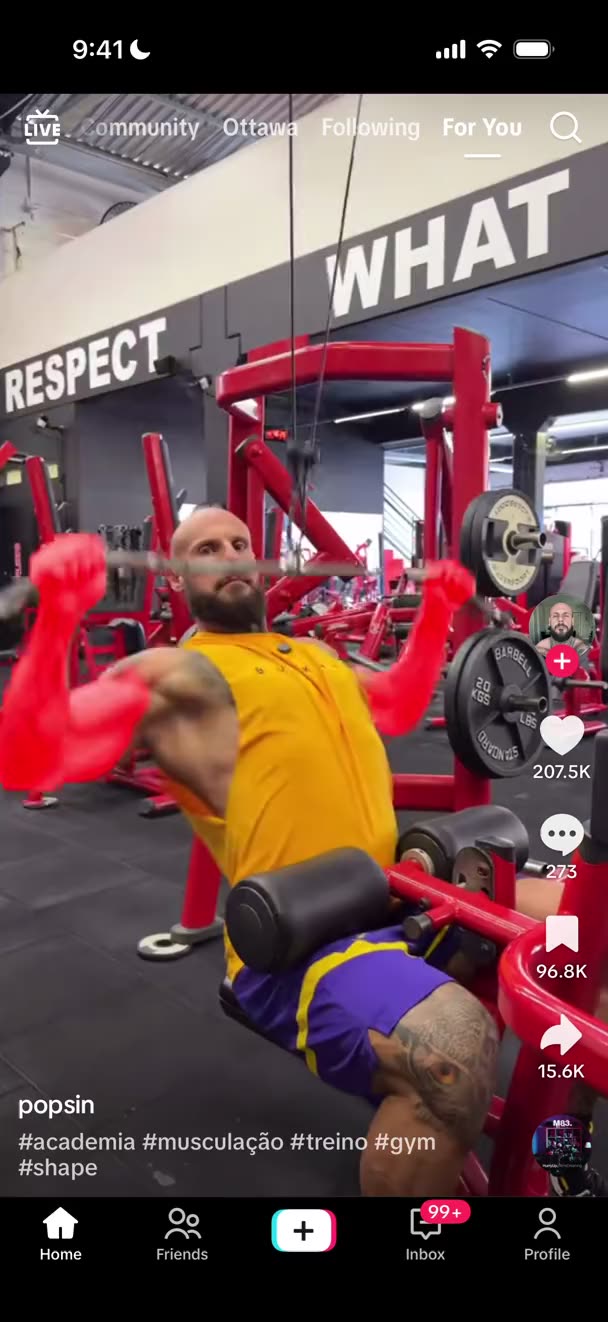
Explore the sample screens- TikTok
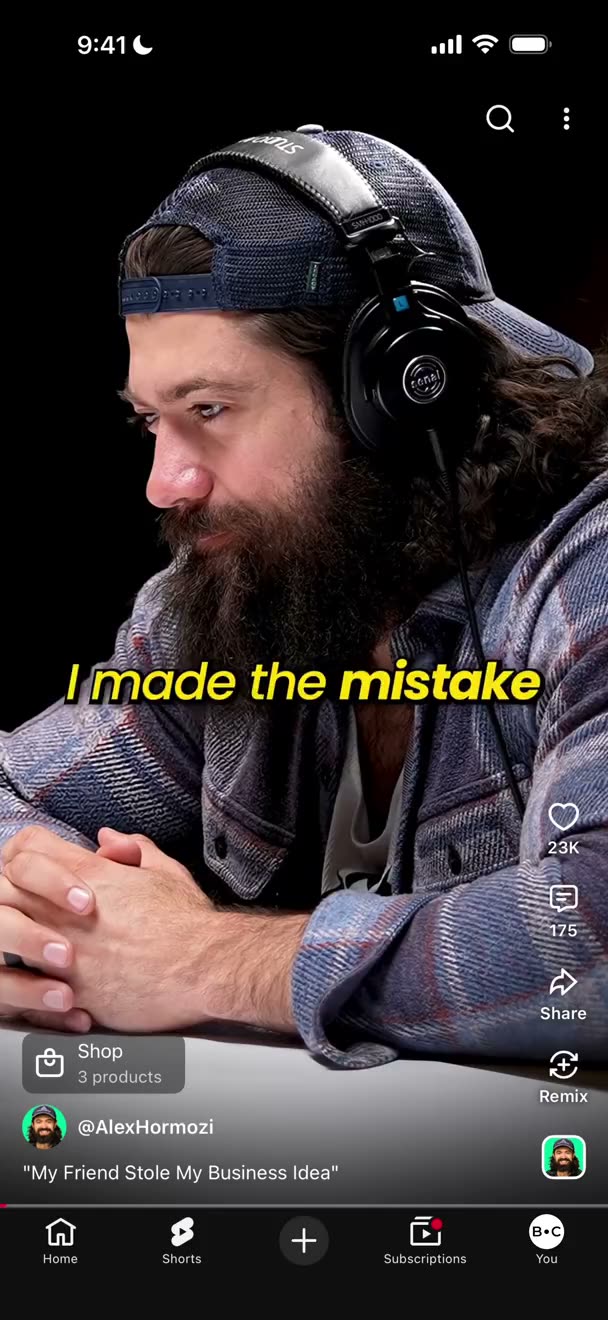
- YouTube
- X
- Threads
- Snapchat
- Telegram
App icons are examples to build and test. TikTok email-code login and private photo posts are proven.

Connect your iPhonesSTEP 1
Plug in
your iPhones.

Describe the taskSTEP 2
Tell your AI
what to do.
Queue across phonesSTEP 3
One strategy
many phones.
Watch each stepSTEP 4
See what
happened.
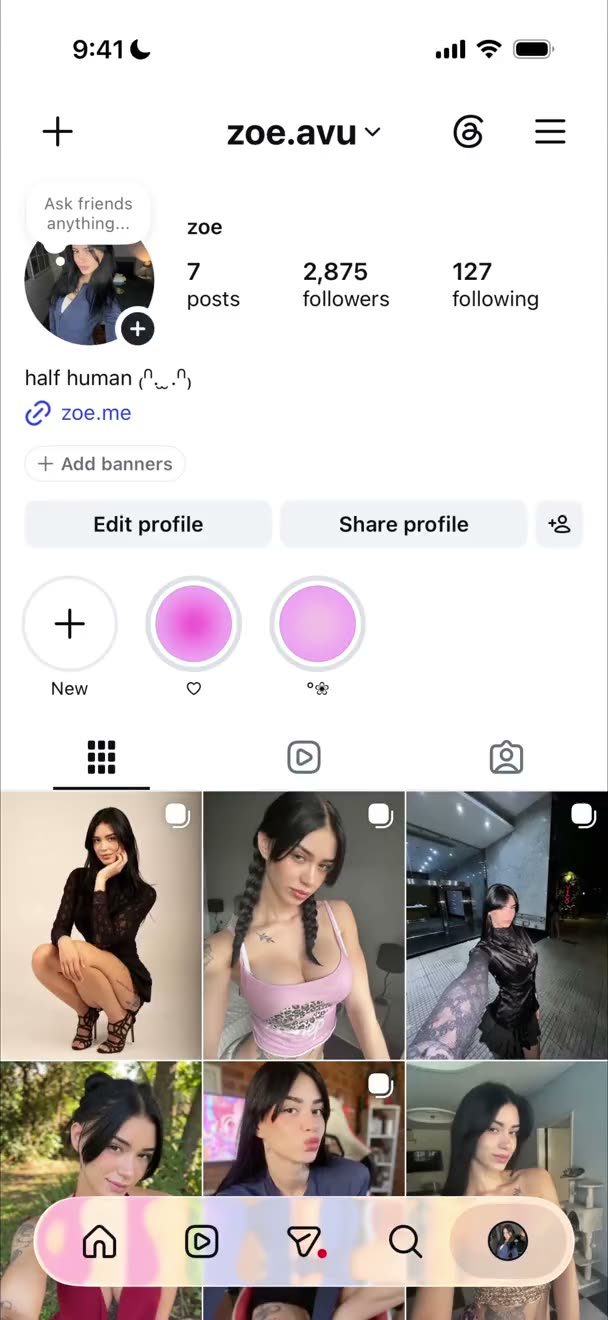
Examples of strategy tasks you can build and test yourself.
How a task becomes a strategy on your iPhones.
Describe a task to your AI assistant, test the strategy on one phone, then run it there or queue it across phones.
FROM SETUP TO RUN
How Titan connects your AI to your iPhones
PC Agent connects the iPhones on your computer to Titan. Your AI assistant builds strategies. Titan runs them; My Runs shows each step.
Connect
PC Agent
Runs on Windows 10/11 or an Apple-silicon Mac (M1 or newer). It checks your computer and iPhone setup.
- Checks USB, Trust and Developer Mode
- Checks the helper app and supervision, Apple's managed-phone mode that lets Titan control the iPhone. Setting it up erases the iPhone.
- Install or Repair fixes computer setup
Build
Describe the task
Claude Code or Codex builds the strategy in Titan.
✳✦
Release a strategy
A release freezes one version you can test or withdraw.
Share or publish
Send a strategy to chosen people or publish it to all Titan users. They run it on their own phones and accounts and never see its steps.
Scripts and phone AI
Scripts do fixed steps; phone AI reads the screen and handles the rest, such as pop-ups.
Run
One phone or a queue
A run uses one strategy on one phone. A queue can span accounts and phones.
- Press Play in Titan to start
- My Runs shows each step and screenshot
- Pause or stop a queue; cancel one run
- Steps can retry automatically; some stop the run if they fail.
- Closing the website does not stop work
- Keep your computer awake while phones are running
Check
My Runs
You see each run's status, progress and evidence.
- See taps, typing and screen reads for each step
- Open a failed step to inspect its error
- Each step keeps a screenshot and available AI transcript
- Look for Finished successfully, then check the result in the app itself
Stopping does not undo a post already published.
Real iPhones run the real apps.
Titan is built to work with any iPhone app. Proven today: TikTok email-code login and private photo posts. Your accounts and platform risk are yours; see the FAQ.
Real iPhones, real apps
Titan runs strategies on iPhones connected to your computer.
Reads the screen
Scripts do fixed steps; phone AI reads the screen for the rest.
Your media stays on your computer
Photos and videos stay in a folder on your computer and go to your iPhone only when a run needs them.
See it in action
Automateyour iPhones.
Four short videos.
Sample data. Phone screens are simulated, and progress is staged.
Connect
Plug in an iPhone.Watch it turn green.
Plug in the phone. Titan checks it.
First setup erases the iPhone, so use a spare one.

Accounts
Your accounts.In one list.
Your AI assistant adds them. You review them here.

Strategies
Open a strategy.See its steps.
A strategy is a task the phone repeats. A preset saves its settings.
Your AI assistant builds them once our team turns on building rights.

Run
Press Play.Watch it happen.
Your AI assistant prepares the run. You press Play.

Privacy and data
What stays with you, and where data goes.
Your browser talks to Titan Cloud (Titan's servers, behind the website), not your iPhones. PC Agent connects out from your computer, so your computer needs no open ports.
- Media: Photos and videos stay on your computer until a run sends them to your iPhone.
- Cloud: Titan Cloud keeps your strategies, account logins and run history.
- Phone AI: During a run, screenshots go through Titan Cloud to your AI provider.
- Shared: A strategy someone shared with you cannot read your mailbox until you approve it.
- Support access: On by default at sign-up; change it in Settings.
Pricing
Start with one phone. Free for a week.
Describe tasks to your AI assistant to build strategies for iPhone apps. Test them on one phone, then discuss more phones with our team.
Start here
Free trial
One week with one phone to build and run your own strategies.
Next: our team sends an invite code and enables access and strategy building. Connect your iPhone, send its ID, and we add the helper app.
or request an invite on Telegram- 7-day trial
- $0/ 7 days
- One iPhone to build and run your strategies.
- No payment in Titan during the trial.
- Phone AI
- Included
- Reads the screen and handles steps that need it.
- Usage limits apply; when a limit is reached, phone AI stops until it resets.
What's included:
- 7 days of access to the Titan website
- 1 iPhone connected to your computer
- Build your own strategies by describing them to your AI
- Run ready-made public strategies
- Phone AI included
- Share strategies with chosen people
A Windows 10/11 computer or Apple-silicon Mac (M1 or newer), a dedicated iPhone (setup erases it), a data cable, and Claude Pro or higher or ChatGPT Plus or higher for your AI assistant. One computer per account; several phones need a powered USB hub. Terms
By agreement
Custom
More phones and longer access, arranged with our team.
Next: we agree phones, period and price with you, then send your invite.
or message us on Telegram- Custom pricing
- Tell us how many phones you need and for how long. Our team will discuss the available options with you.
- Phone AI
- Your own plan after the trial, for example OpenCode Go Plus, about $40 a month for 2 to 3 phones.
What's included:
- Build and run strategies, same as in the trial
- More phones
- Longer access
- Help building your strategies
- Share strategies with chosen people
The number of phones, access period and price are agreed with our team. Payments are not refunded once made. Terms
Questions buyers ask first.
FIG 02 / QUICK GUIDE
Setup notes
6 NOTES
A cable alone is not enough.
01 / 06Titan checks more than the cable before an iPhone is ready for a run.
Who is Titan for?
For people with iPhones who want their AI assistant to turn a task into a strategy they can run and watch on their own phones.
How do I get access?
Titan is invite-only. Apply with your email at the top of this page or contact the team on Telegram. Our team sends an invite code and turns on access and strategy building. Some setup steps wait for the team; after you connect your iPhone, ask the team to add its helper app.
What do I need to bring, and which devices work?
Titan supports iPhones only. Ask our team which iPhone models and iOS versions to use before you buy.
- Always needed: a Windows 10/11 64-bit computer or Apple-silicon Mac (M1 or newer); dedicated iPhone; data cable per phone (powered hub for several); steady internet; phone Wi-Fi; App Store Apple ID per phone; paid AI-assistant plan.
- Strategy-specific: app accounts and media, mailbox access for email-code login, and a VPN app if needed. The starter TikTok kit expects ExpressVPN.
How does the free trial work?
The trial lasts 7 days with one iPhone, and phone AI is included. Access is by invite, and the team turns on the rights you need. No payment in Titan during the trial.
What happens after the trial, and what does phone AI cost?
To continue Titan access after the trial, ask the team about the Custom plan. Phone AI is a separate requirement: bring your own plan, for example OpenCode Go Plus at about $40 a month for 2 to 3 phones running all day, or another supported provider. Usage limits apply; when a limit is reached, phone AI stops until it resets.
What works today, and what is not proven yet?
You describe a task to your AI assistant, which builds a strategy in Titan for your iPhones. TikTok email-code login and private photo posts are proven. Other apps, public posts, video posts and long batches are not proven yet; build and test them on one phone first.
How is a strategy built?
You describe the task to your AI assistant (Claude Code or Codex); it writes the strategy and saves it in Titan. For example: "Make a strategy that posts three photos from my media folder to my TikTok account brunch.club as a private post, then test it on one phone." To connect your assistant, create a Titan MCP key in Settings, download and open the Titan AI docs folder, then paste the setup message from the assistant guide. The two AIs have different jobs: your AI assistant writes the strategy; phone AI, connected in Titan, reads the iPhone screen during a run. Read the assistant guide.
Do I need to code?
No. You describe the task to your AI assistant, which writes the strategy.
Can people I share a strategy with see how it is built?
Share with chosen people or publish to all Titan users under Public. Recipients run it on their own phones and accounts and cannot see its steps. Revoking a direct share stops new and queued runs from starting; active runs finish and history stays. If the strategy is also Public, unpublish it too to remove that access. Unpublishing removes Public access but leaves direct shares in place. We have not yet tested the full flow with a second real account.
How do I get help?
Contact the Titan team on Telegram for help with access or setup. Your AI assistant can also read a failed run and draft a support report for you.
Who is responsible if an account gets banned, and are payments refunded?
Your accounts belong to you. Other platforms can restrict them, and Titan does not promise to prevent bans. Payments are not refunded once made. See the Terms for account and refund rules.
Can one strategy run across many iPhones?
One run uses one strategy on one phone. For many phones, your AI assistant prepares a queue across accounts and phones. Review the prepared queue in Titan and press Play. The trial includes one phone; phone counts for the Custom plan are agreed with the team.
Why does setup erase the iPhone?
Titan puts the iPhone in Apple's supervised (managed-phone) mode so it can control the phone, and Apple only allows that after a full reset. Use a phone dedicated to Titan.
Does closing the website stop a run?
No. Runs continue after you close the website. Keep the PC Agent running and the computer awake; if the computer sleeps or turns off, the phones stop.
What if a run fails, and how do I stop it?
Open the failed step in My Runs and check its actions, error and screenshot before retrying. A retry can repeat an action, so check the phone and app first. Cancel a single run or pause or stop a queue. Pause lets current work finish and holds new items; Hard pause stops current work too. Stopping does not undo a post already published.
What do proxies do?
A proxy routes Titan Cloud's phone-AI requests when a queue uses it. It does not change the iPhone's internet connection and is not a VPN on the phone.
What data does Titan keep?
Titan Cloud stores your strategies, settings, resources, account logins and run history with screenshots and available transcripts. Account and mailbox passwords and AI connection credentials are stored in Titan Cloud. During a run, phone AI sends screenshots through Titan Cloud to the AI provider you connected. Photos and videos stay in a folder on your computer and go to your iPhone only when a run needs them. The support-access checkbox is on by default at sign-up and can be changed in Settings. Your AI assistant's Titan MCP key can reach everything in your account, so keep it private; you can revoke it in Settings. Ask our team how long run history is kept.
Get started
Titan is invite-only. Start with a free week on one iPhone.
Blogs & articles
From the control room.
Guides, product updates, and practical notes for running your iPhone fleet.