
Titan plans and add-ons are paid from your balance in Titan. A new account starts at $0, so add funds first, then pick a plan.
| What | Details |
|---|---|
| Currency | US dollars (USD) |
| Amount | From $20 to $10,000 per top-up |
| Card | Paid on Stripe's secure page. Titan covers the card fees |
| Crypto | USDT or USDC on TRON, Ethereum, Arbitrum or BNB Chain. Network and exchange fees are yours |
| Withdraw | Not possible: the balance is only for Titan plans |
Where to top up
Right after you register
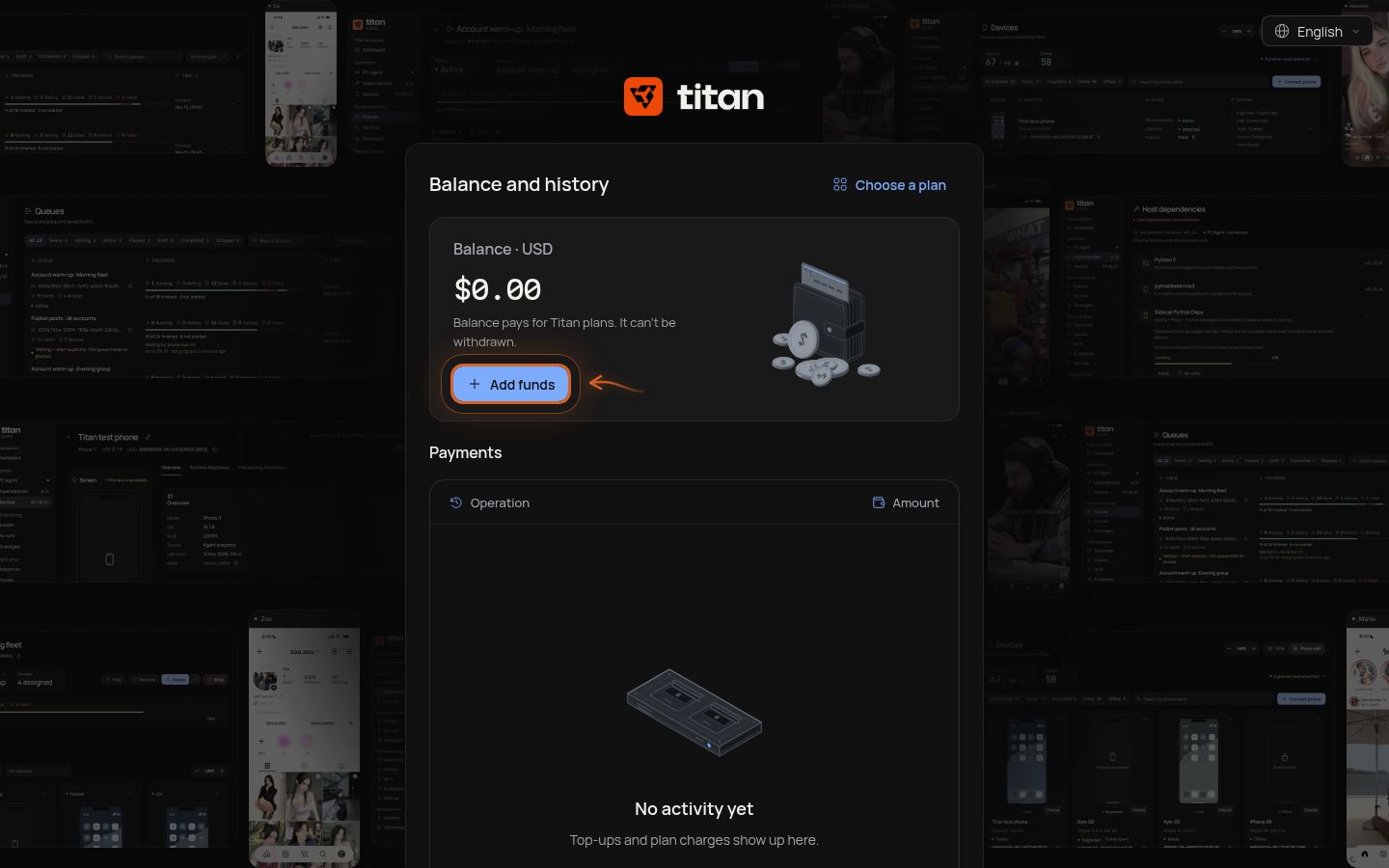
You don't have a plan yet, so Titan shows the plans page. Press “Balance and history”, then “Add funds”.
Later, in Settings
Open Settings, then Billing, and press “Add funds”.
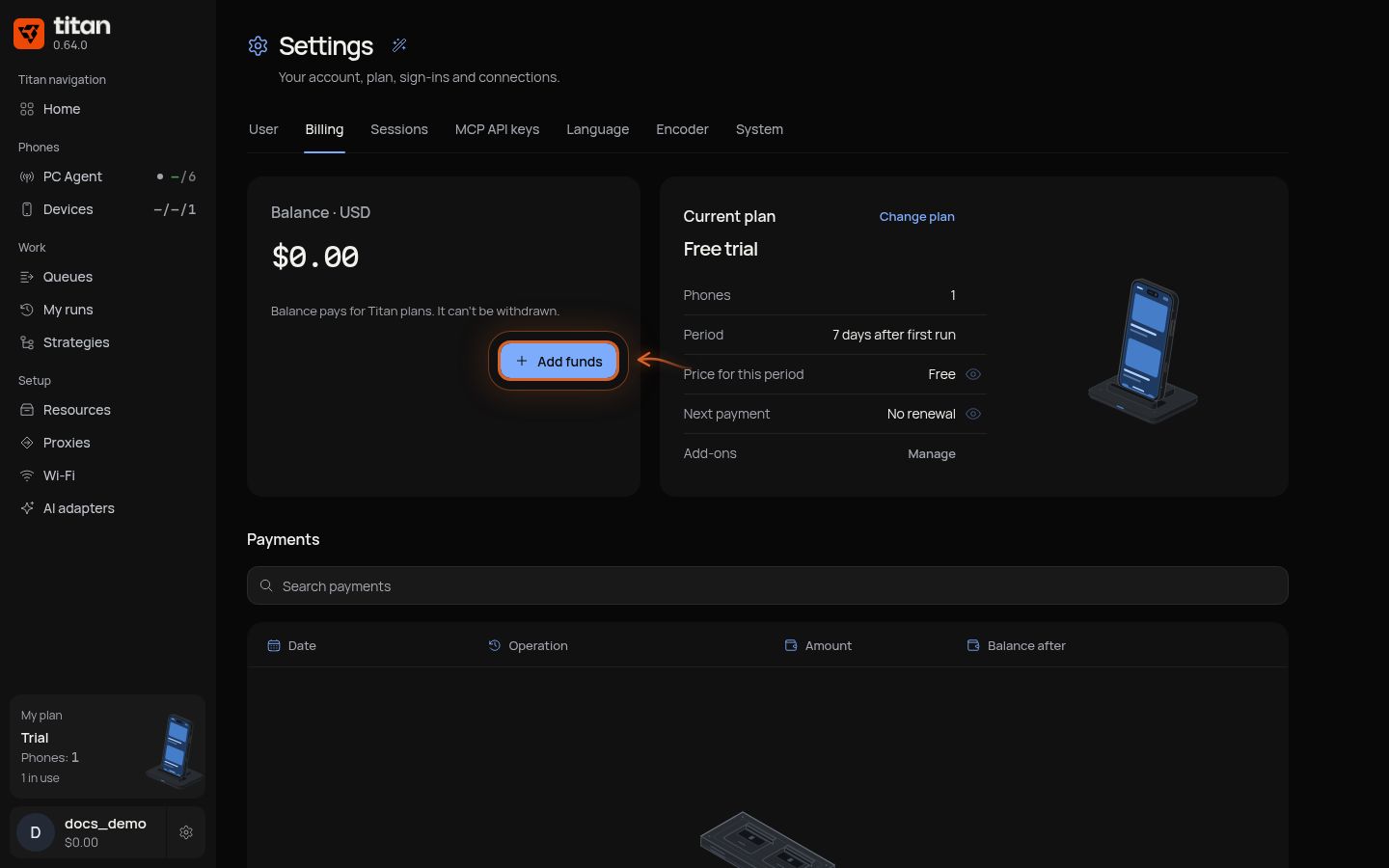
You also land here from a plan: when the plan costs more than your balance, the plan window shows Not enough balance and a “Top up” button.
Choose the amount and method
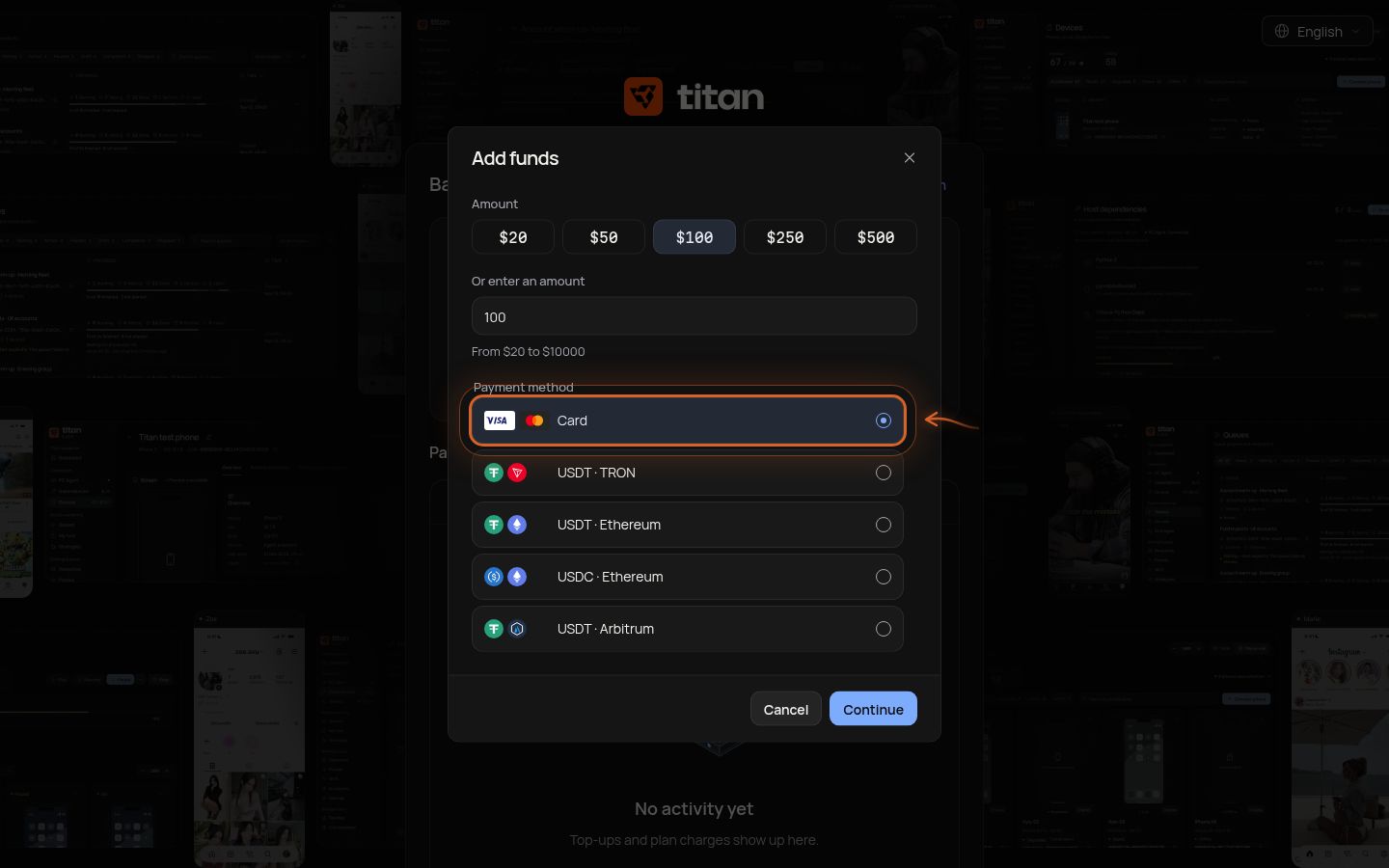
- Pick an amount, or type your own under Or enter an amount.
- Under Payment method, pick Card or a crypto network.
- Press “Continue”.
Pay by card
- Pick Card and press “Continue”. Titan opens Stripe's payment page.
- Enter your card details and pay.
- Come back to Titan. The money shows on your balance in a few seconds. Don't pay twice.
Pay by crypto
-
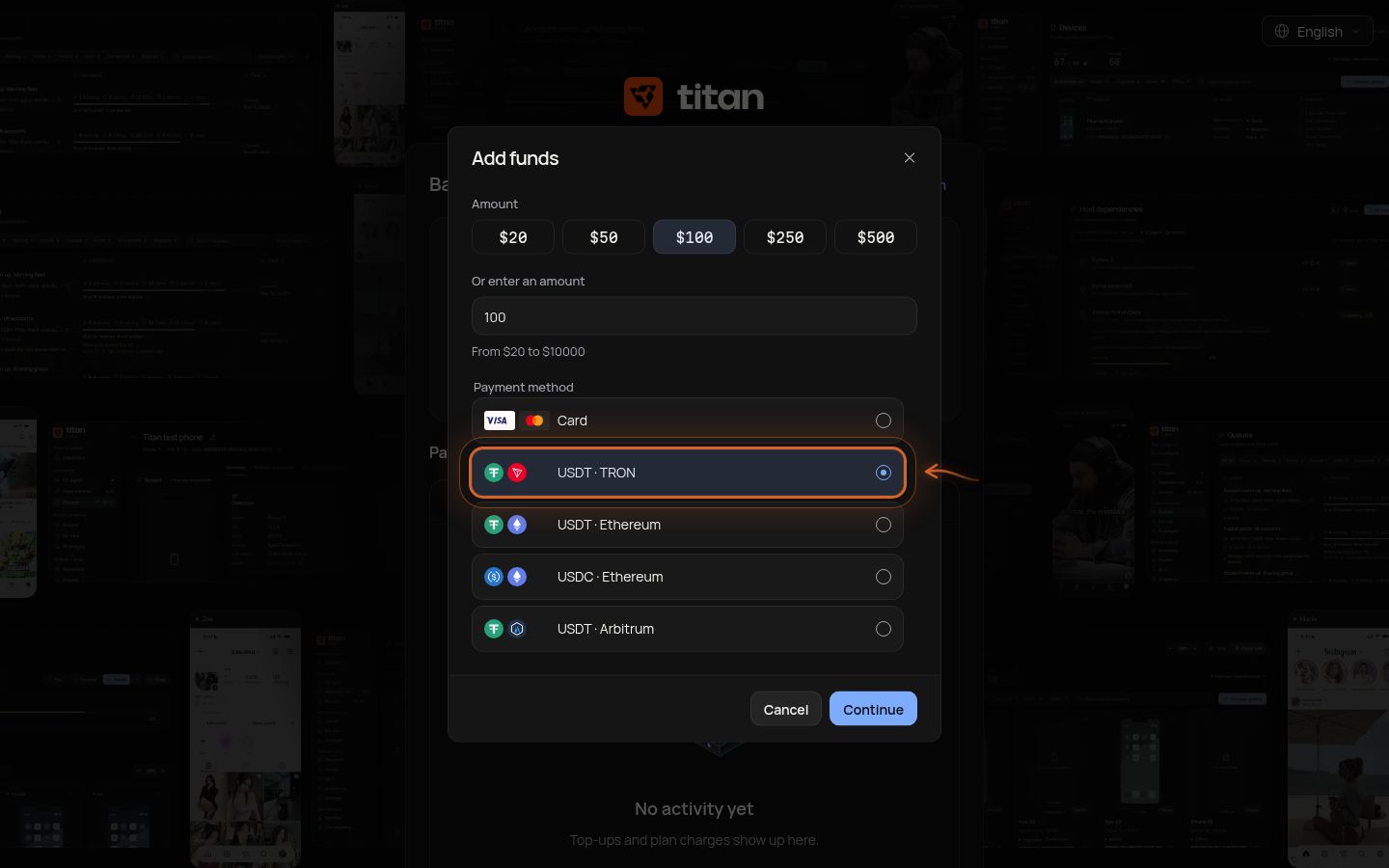
Pick a token and network, for example USDT · TRON, and press “Continue”.
-
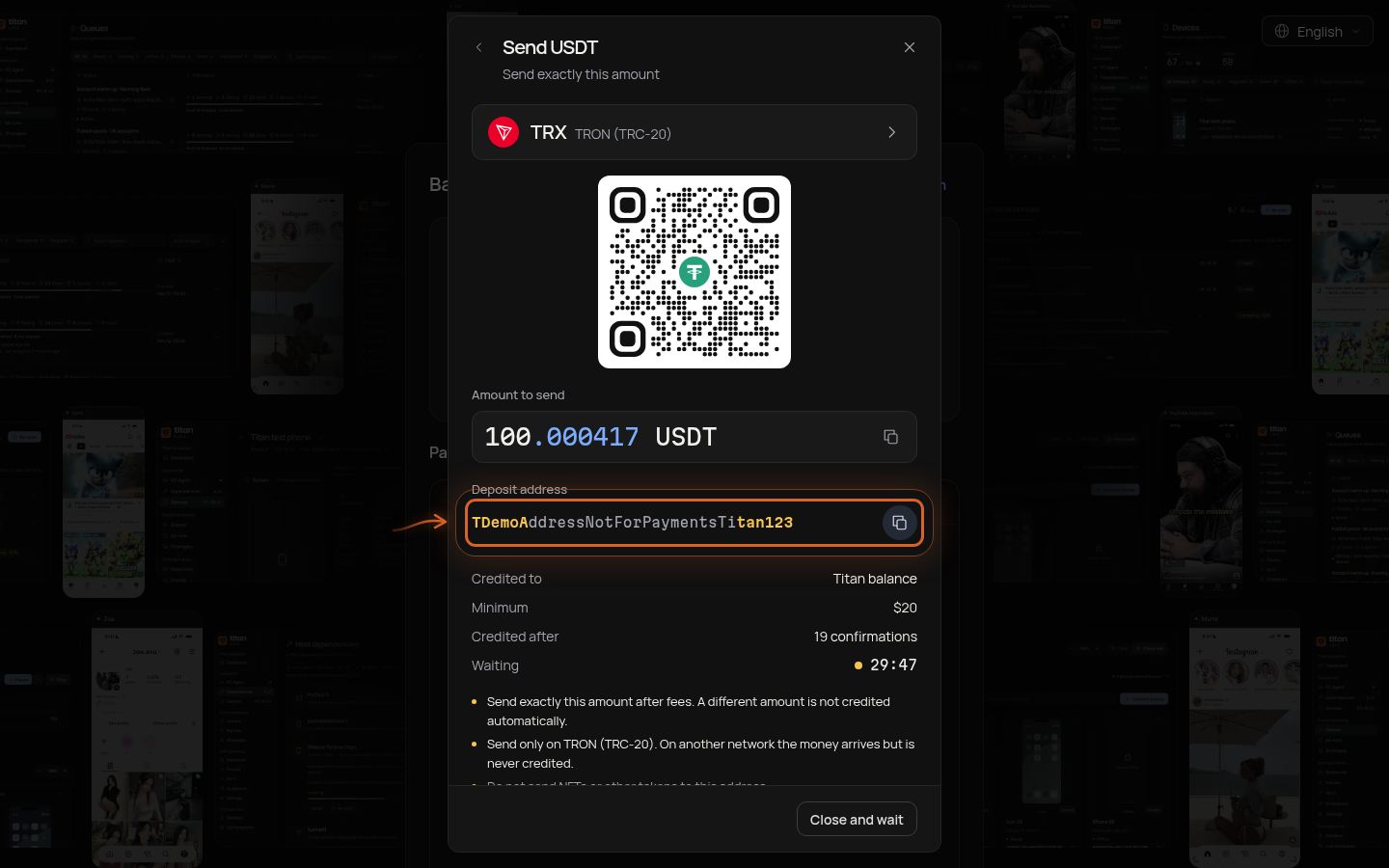
Titan shows the Amount to send and the Deposit address, also as a QR code. Copy both with the copy buttons. The address in this picture is an example: always use the one Titan shows you.
-
Send exactly that amount, after fees, on that network, before the timer runs out.
-
Press “Close and wait” if you like: the payment keeps waiting. The money is credited after the network confirms the transfer, usually in a few minutes.
| Don't | Why |
|---|---|
| Send a different amount | It is not credited automatically |
| Send on another network | The money arrives but is never credited |
| Send NFTs or other tokens | They are not credited |
What's next
- No plan yet: go back to Get access, step 4 and pick your plan.
- Already have a plan, or want another one: open Settings › Billing and press “Change plan”.