
Start a run
Your assistant prepares the run, you check it in Titan and press Play.
Your assistant prepares the work. You check it in Titan and start it yourself.
1. Check you are ready
-
PC Agent says Connected (Pair PC Agent).
-
Your iPhones are set up (Connect an iPhone).
-
The phone AI is connected: an OpenCode Go adapter on the AI Adapters page (AI adapters).
-
Your assistant works with Titan (Your assistant).
-
You know which strategy to run (Strategies). Write down its exact name.
2. Ask your assistant to prepare it
-
Open the
titan-ai-docsfolder in your AI app. -
Got accounts in a file (seller
.txt, Excel, CSV)? Drop the file into the chat. The assistant imports it. -
Paste this message, change the names to yours, and send it:
Prepare the strategy "My strategy" on phones iPhone A and iPhone B with my accounts. Use my phone AI. Use my proxies only if the strategy needs them. Tell me if anything is missing. Do not start it: I will press Play in Titan. -
Answer the assistant's questions, if it asks any.
Done when: the assistant says the queue is ready and gives you its name.
3. Check it in Titan
-
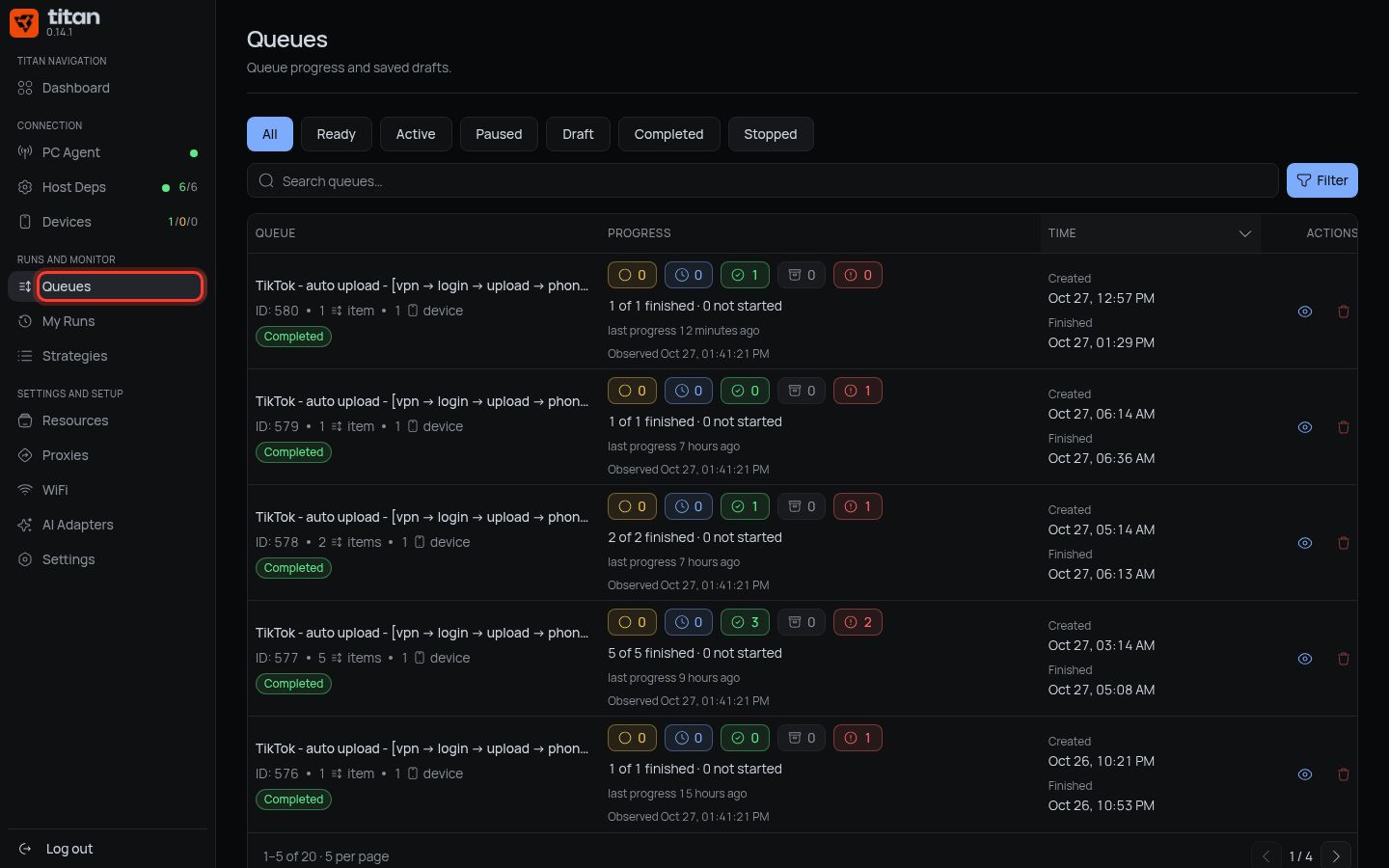
Press Queues in the left menu.
-
Find your queue. Its status is Ready.
-
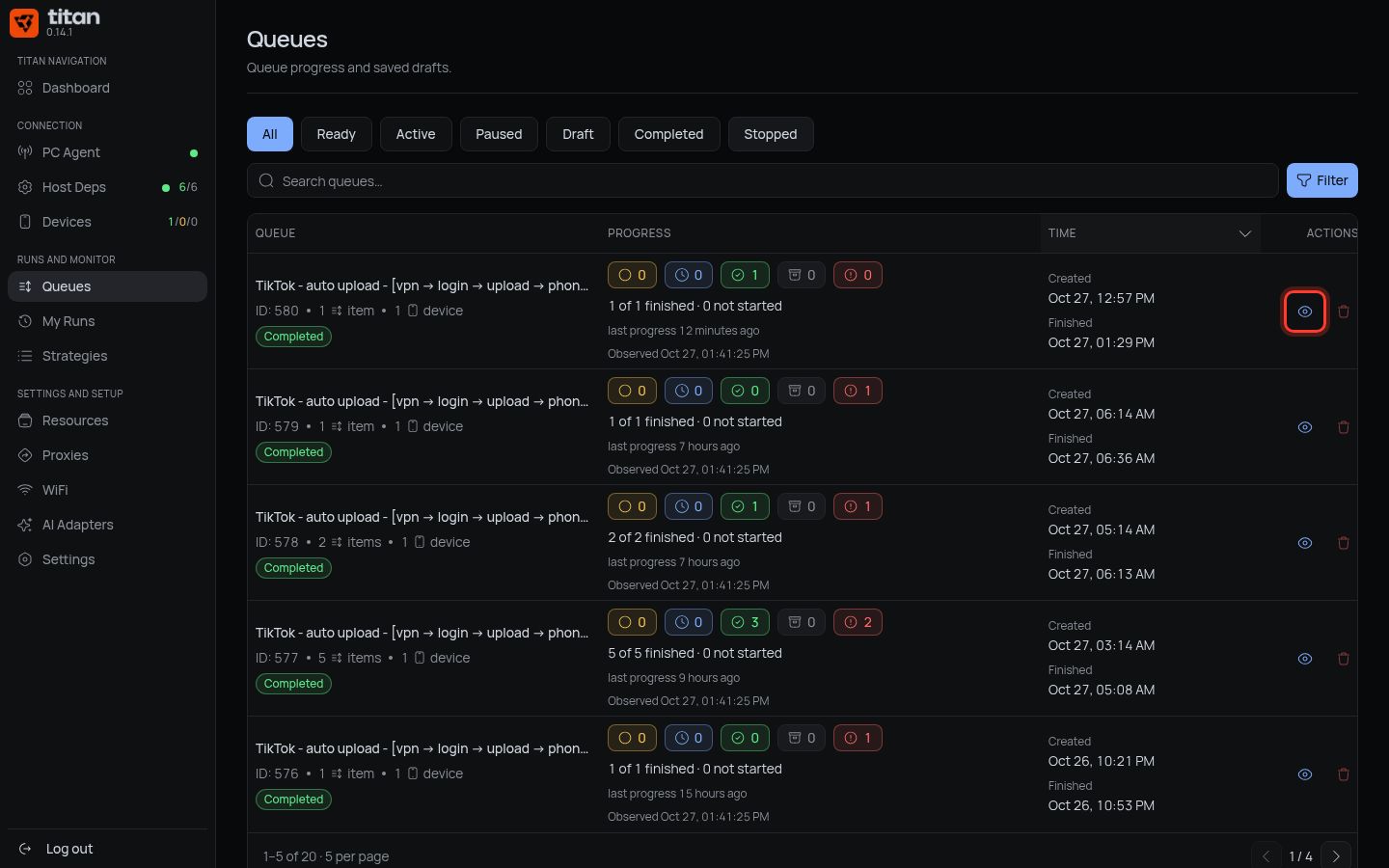
Press Open queue (the eye icon).
-
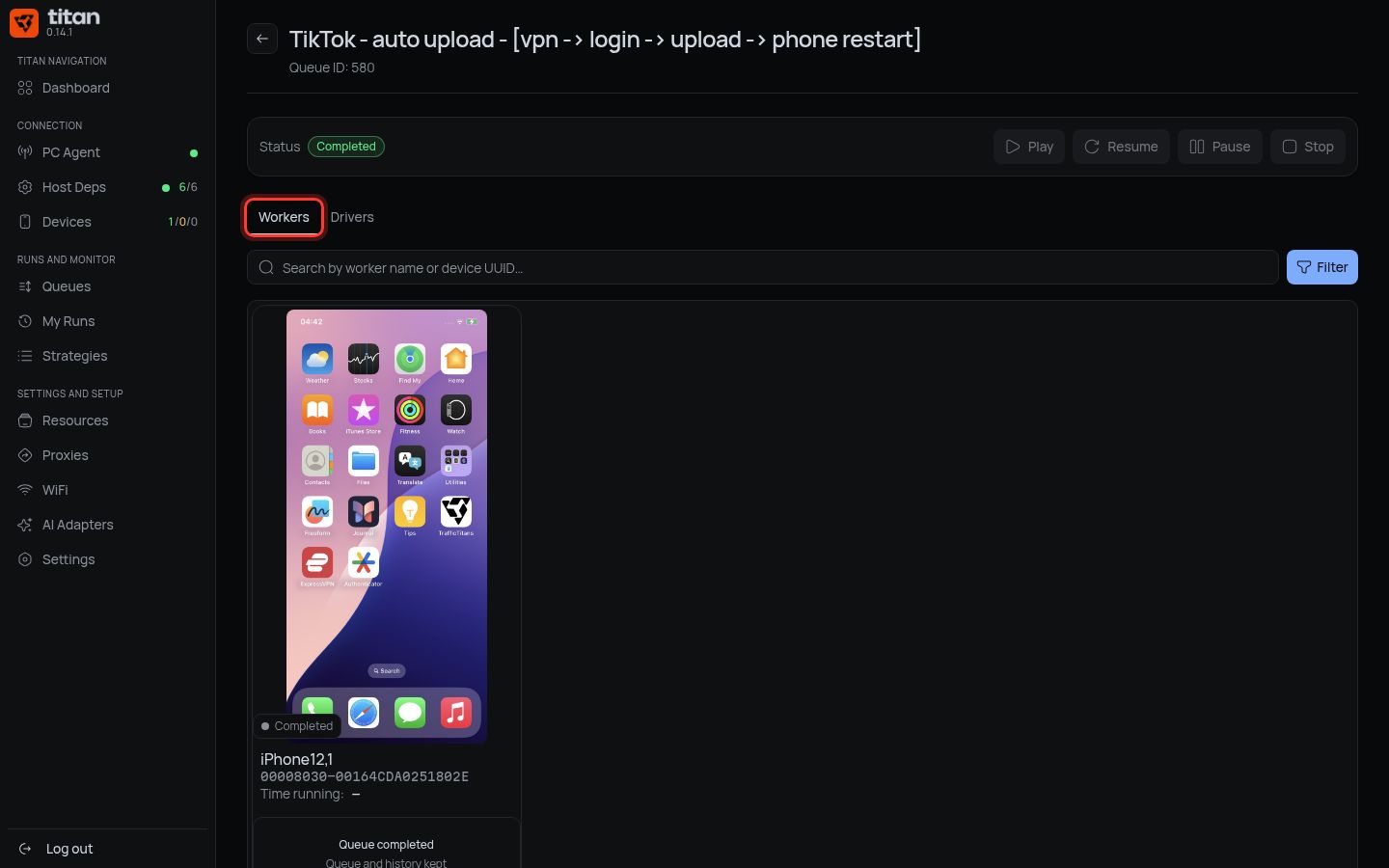
On the Workers tab, check the phones are the ones you asked for.
-
On the Drivers tab, check the items: one row per account or other item to work through.
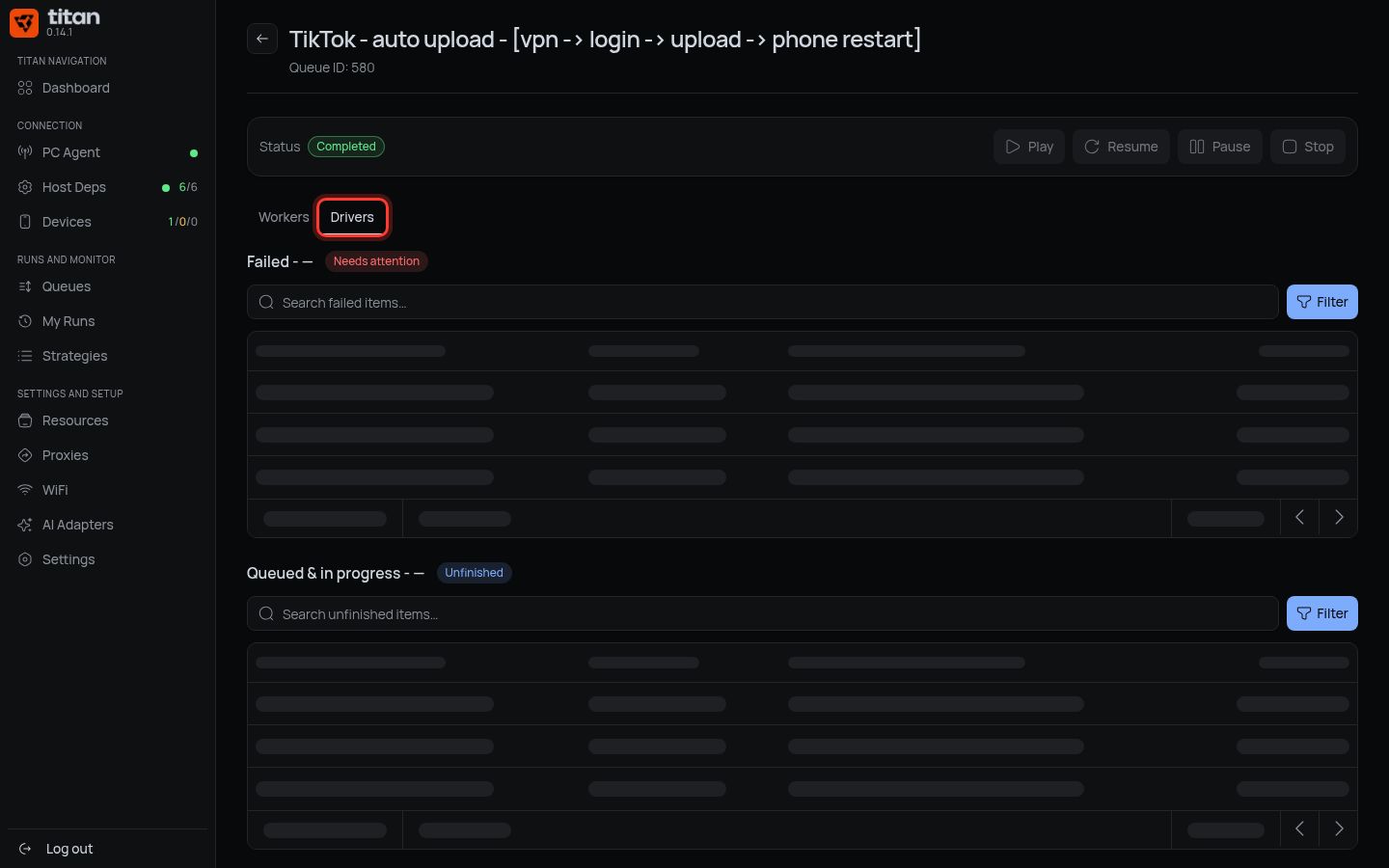
Something wrong? Tell the assistant what to change, then check again.
4. Press Play
-
Press Play.
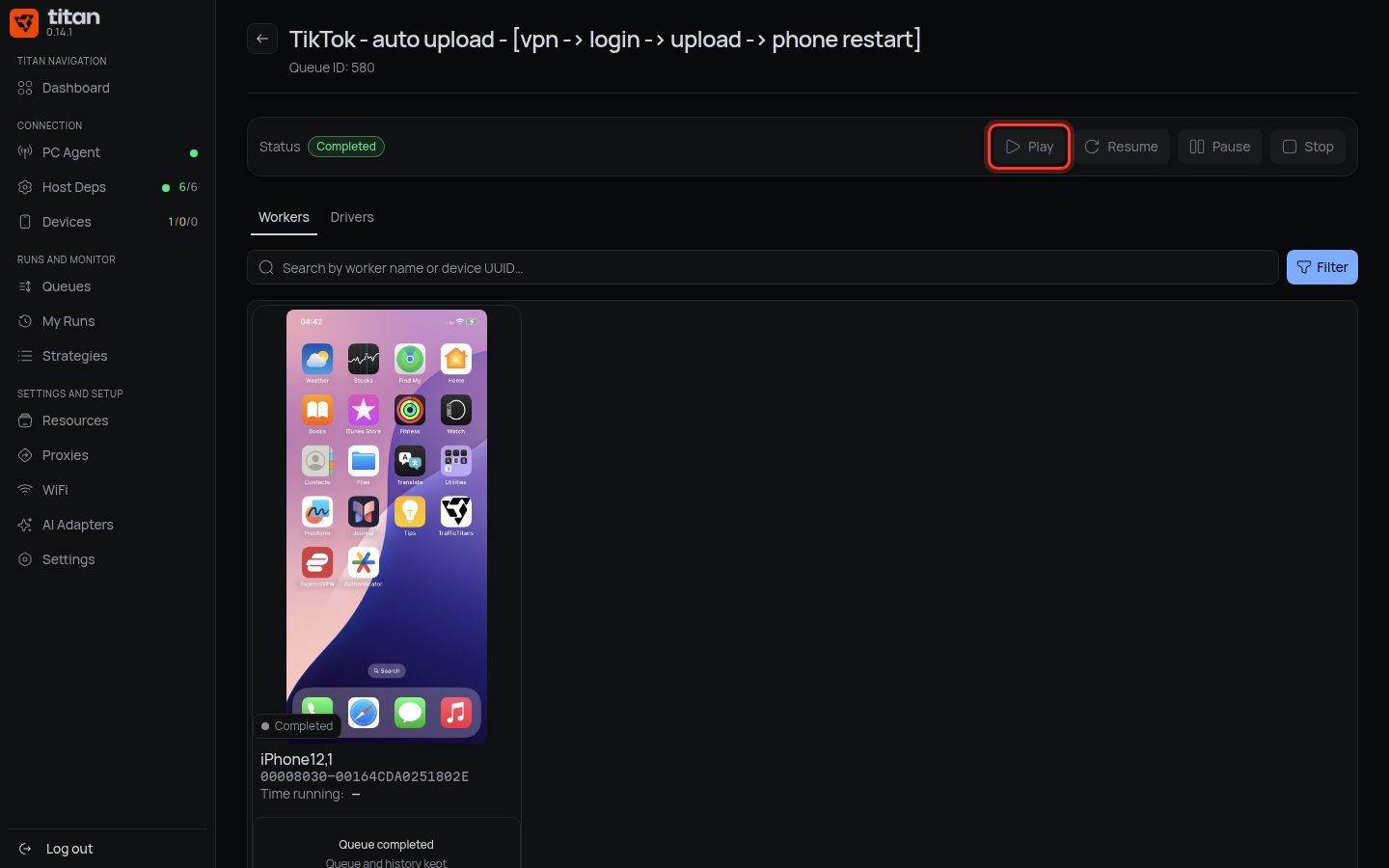
-
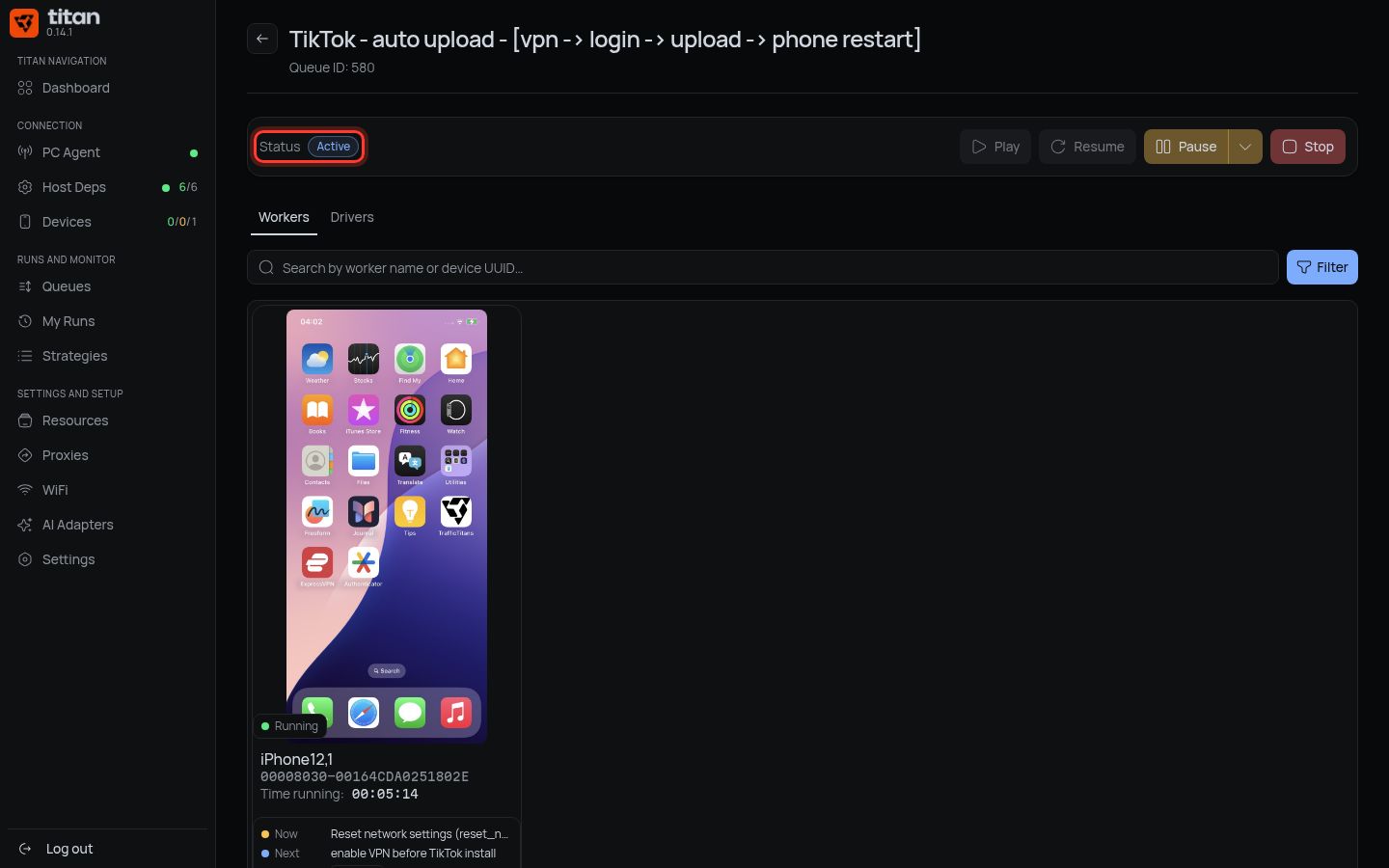
Wait a few seconds. The status turns to Active.
Done when: the queue says Active and the phones on the Workers tab show Running.
If something is different
| You see | Do |
|---|---|
| Draft queues cannot be opened in this app. | The queue is not finished. Ask the assistant to finalize it to Ready |
| Waiting for a ready device | A phone is not ready. Check it on the Devices page |
| Waiting for a free execution slot | Normal when phones are busy. Wait |
| Waiting for access approval | Your access needs the admin. Ask the admin |
| Proxy unavailable next to an item | Ask the assistant to switch the queue to a working proxy (Add proxies) |
| The assistant cannot find the strategy | Check its exact name on the Strategies page and send it again |
| The assistant made a single run, not a queue | Open My Runs, open the run with status Created and press Play |
Next: watch your runs.