iPhone settings and apps
After supervision: keep the screen on, sign in to the App Store, install your apps.
Titan can only open apps that are installed on the iPhone.
1. Keep the screen on
-
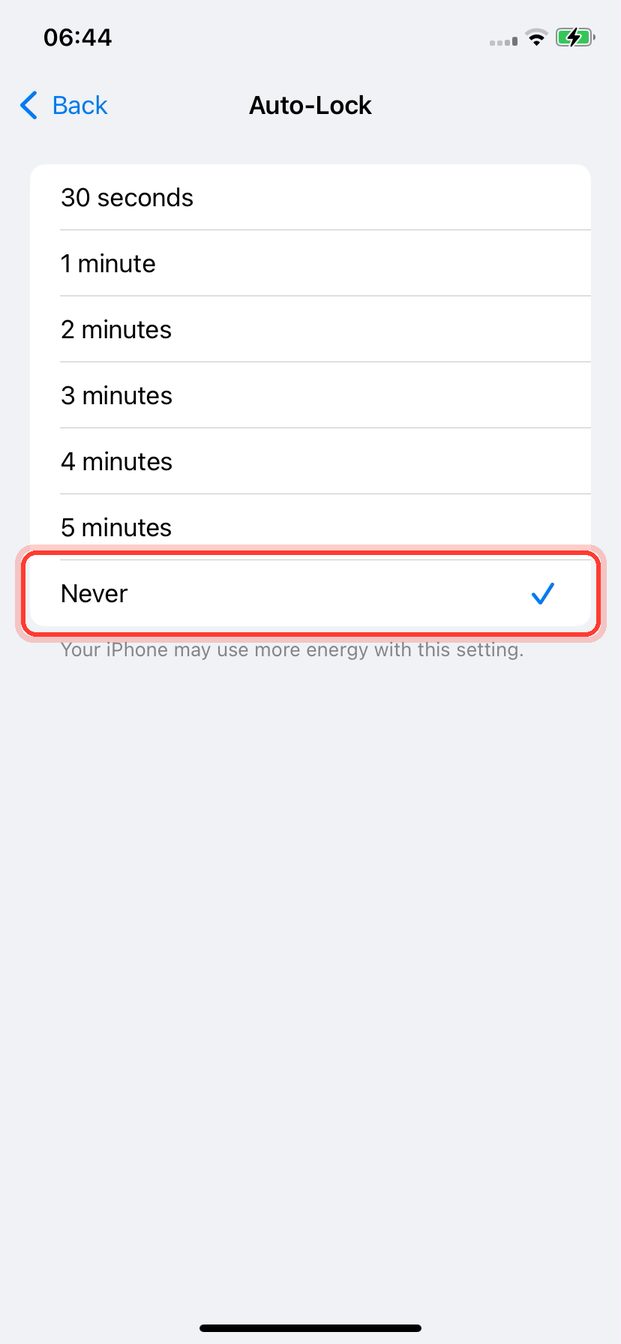
Settings → Display & Brightness → Auto-Lock → Never.
-
Optional, easier to read: Settings → Accessibility → Display & Text Size → Larger Text → make it bigger.
2. Sign in to the App Store
-
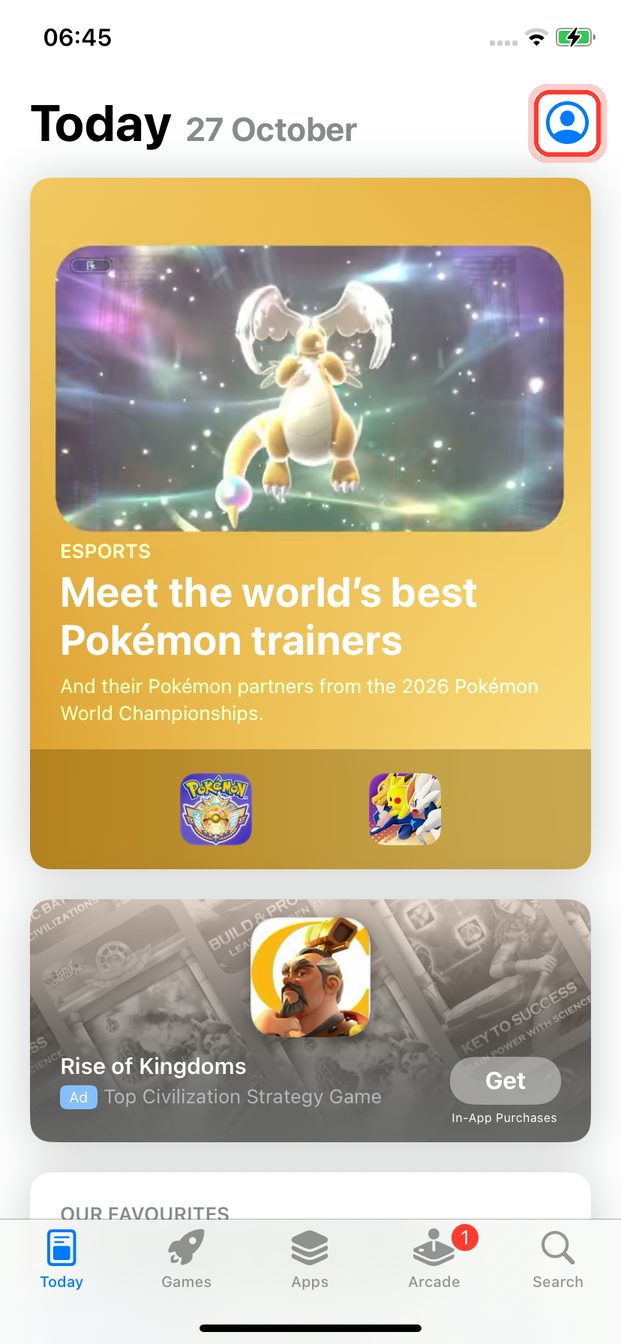
Open the App Store → tap the profile icon (top right) → sign in with an Apple ID.
-
Sign in only in the App Store, not in Settings. Otherwise Find My turns on again and a future erase gets blocked.
Use a separate Apple ID for Titan phones, not your personal one.
3. Install your apps
-
Install the apps your strategies use: for example TikTok and your VPN app.
-
Open each app once. If an app asks to track you: Ask App Not to Track.
Done when: the apps your strategies need are on the iPhone and open without errors.
Your assistant tells you which apps a strategy needs: ask it.
Next: check the iPhone is ready.