
Your iPhones
Get WDA for an iPhone
WDA is the helper Titan installs on each iPhone to tap and read the screen. The admin assigns it.
WDA is a small helper app Titan puts on each iPhone so it can tap and read the screen. Each iPhone needs its own WDA, and only the admin can give it.
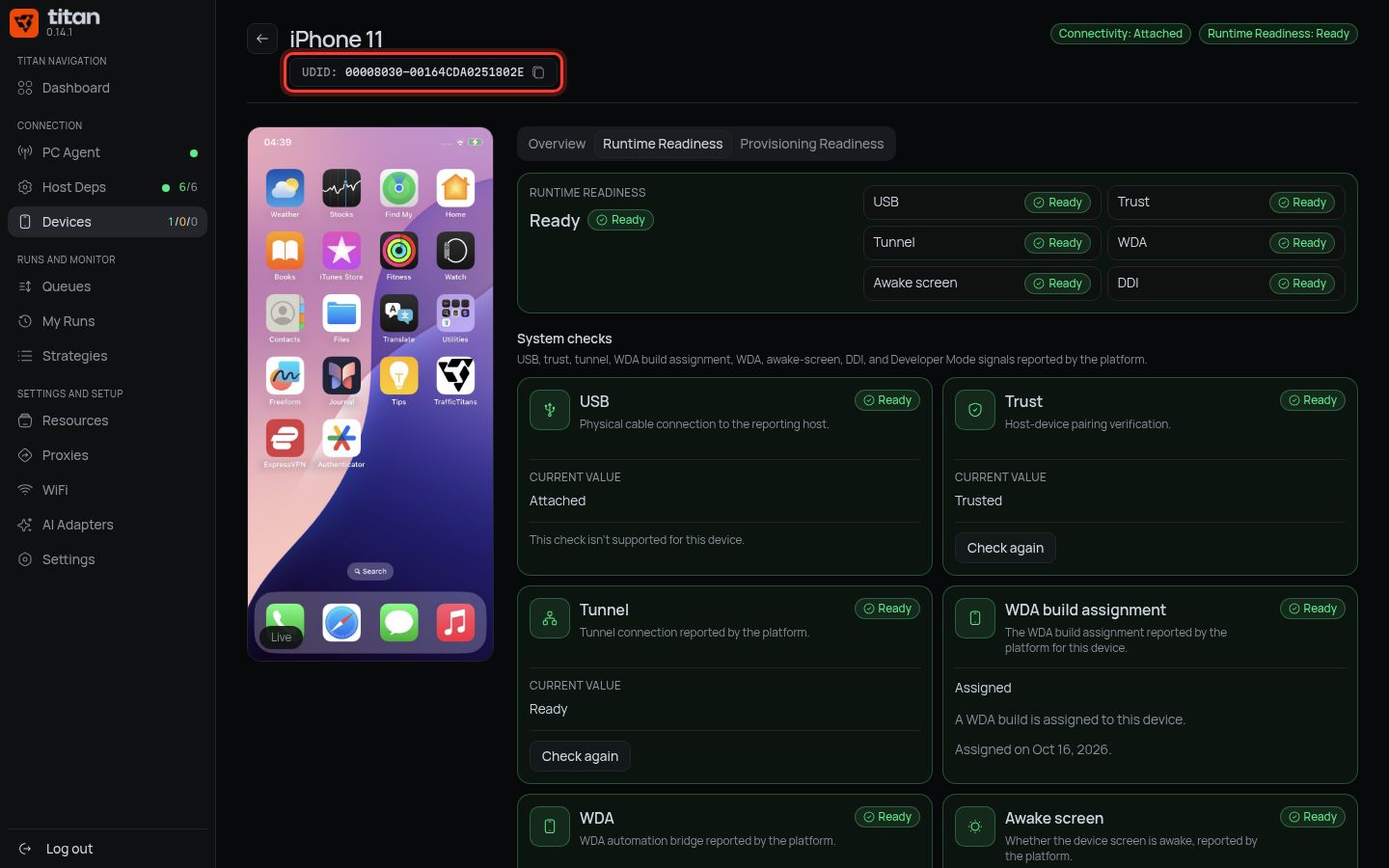
1. Copy the iPhone's ID
-
In Titan: Devices → press your iPhone.
-
Press Copy device UDID next to the iPhone's name.
2. Send it to the admin
-
Send this to the admin, with the UDID you copied:
Hi! Please assign WDA to my iPhone. UDID: paste-here -
Wait for the admin's reply.
3. Check it arrived
-
On the iPhone's page, find WDA build assignment.
-
It says Assigned.
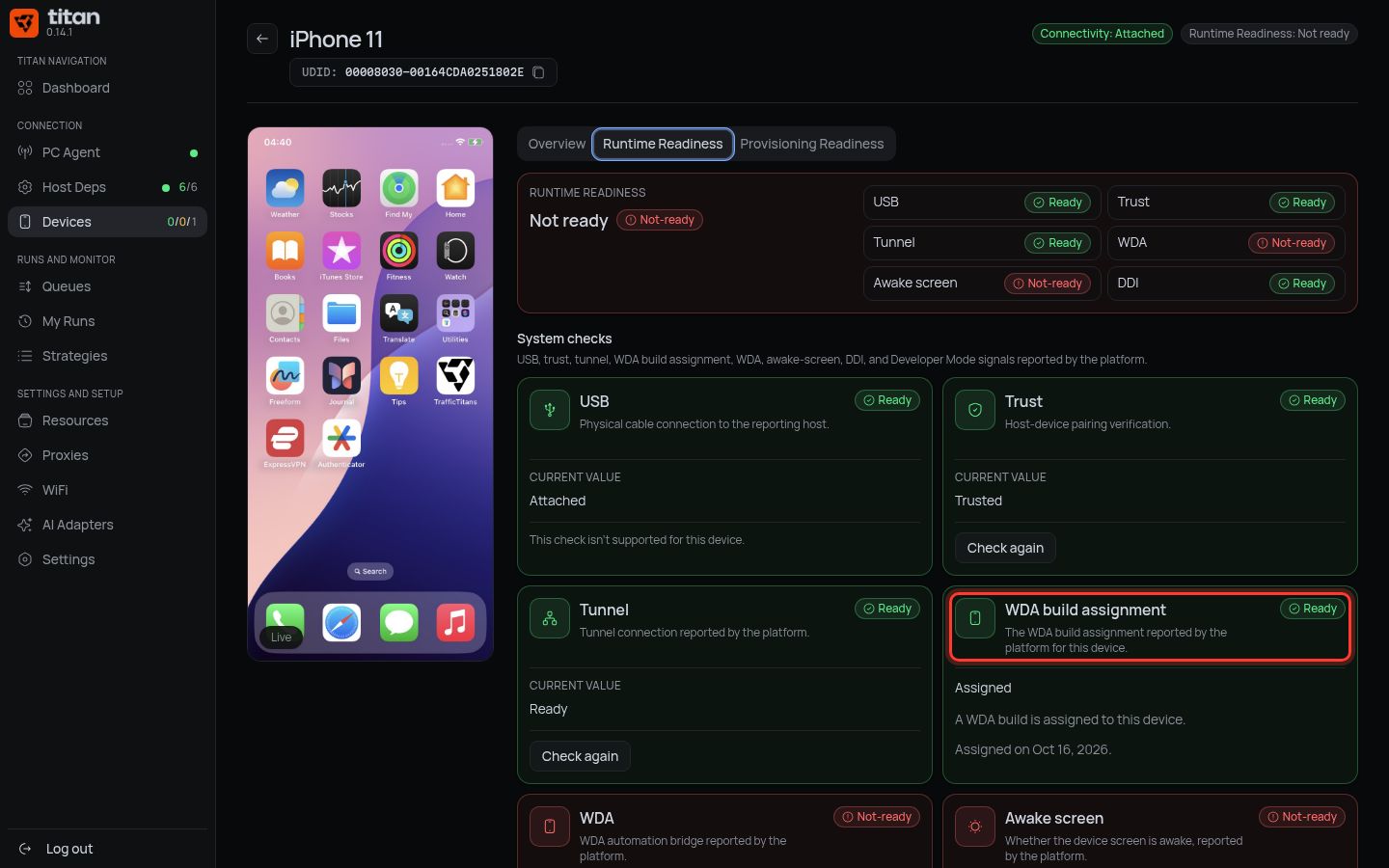
Done when: WDA build assignment shows Assigned.
If something is different
| You see | Do |
|---|---|
| Not assigned | The admin has not done it yet. Wait, then reload the page |
| Not reported | The PC Agent is offline. Check the PC Agent page |
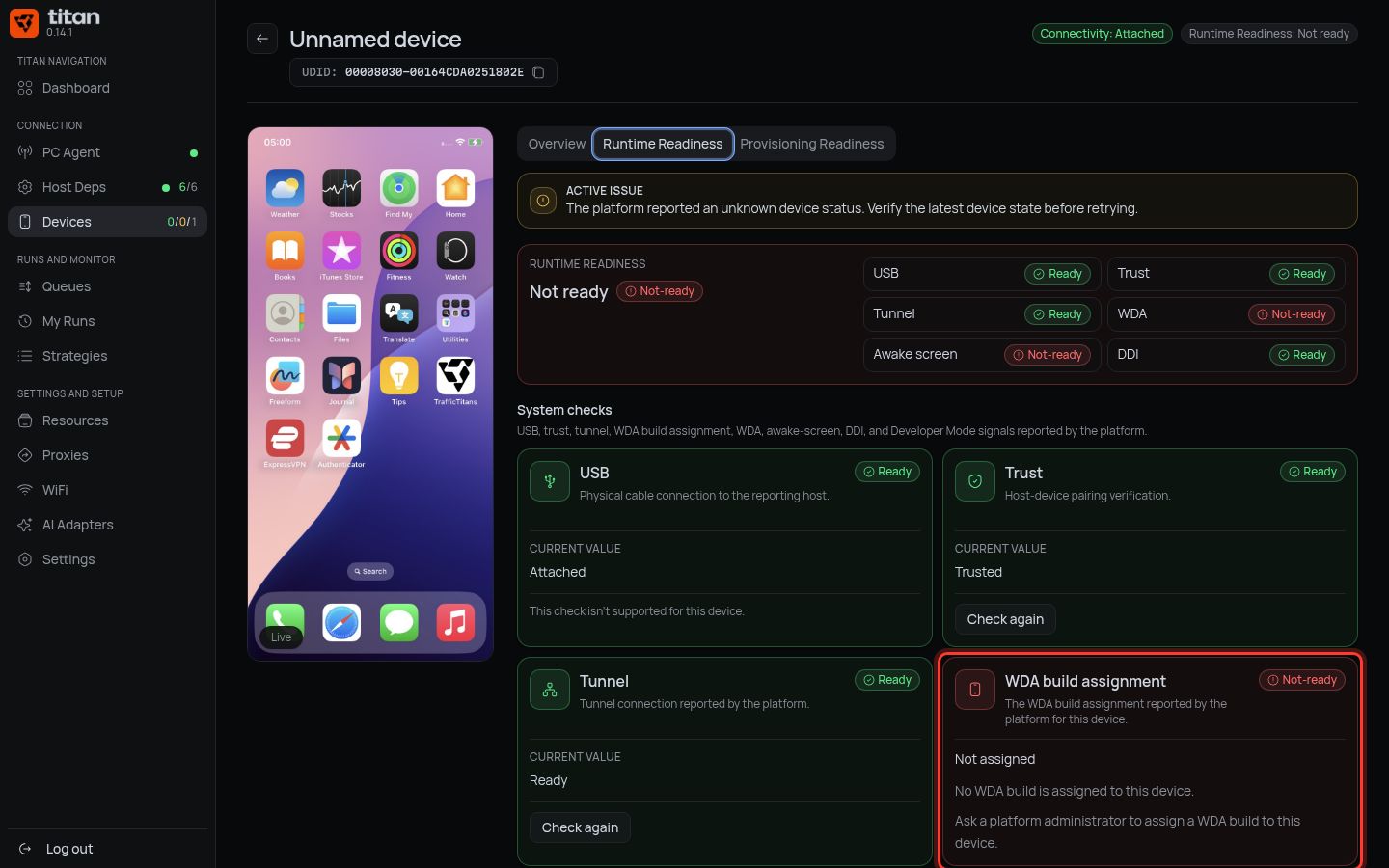
One WDA per iPhone: for each new iPhone, send its UDID again.
Next: supervise the iPhone.